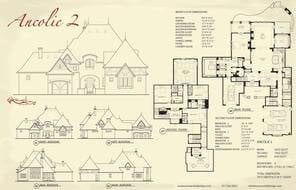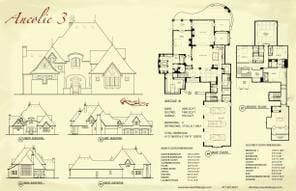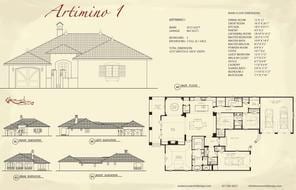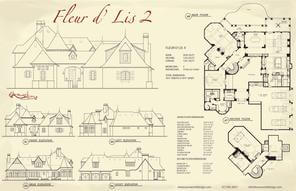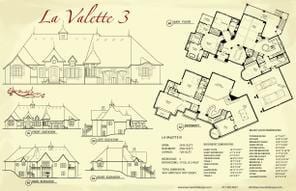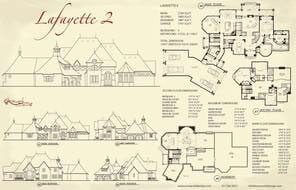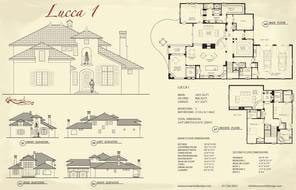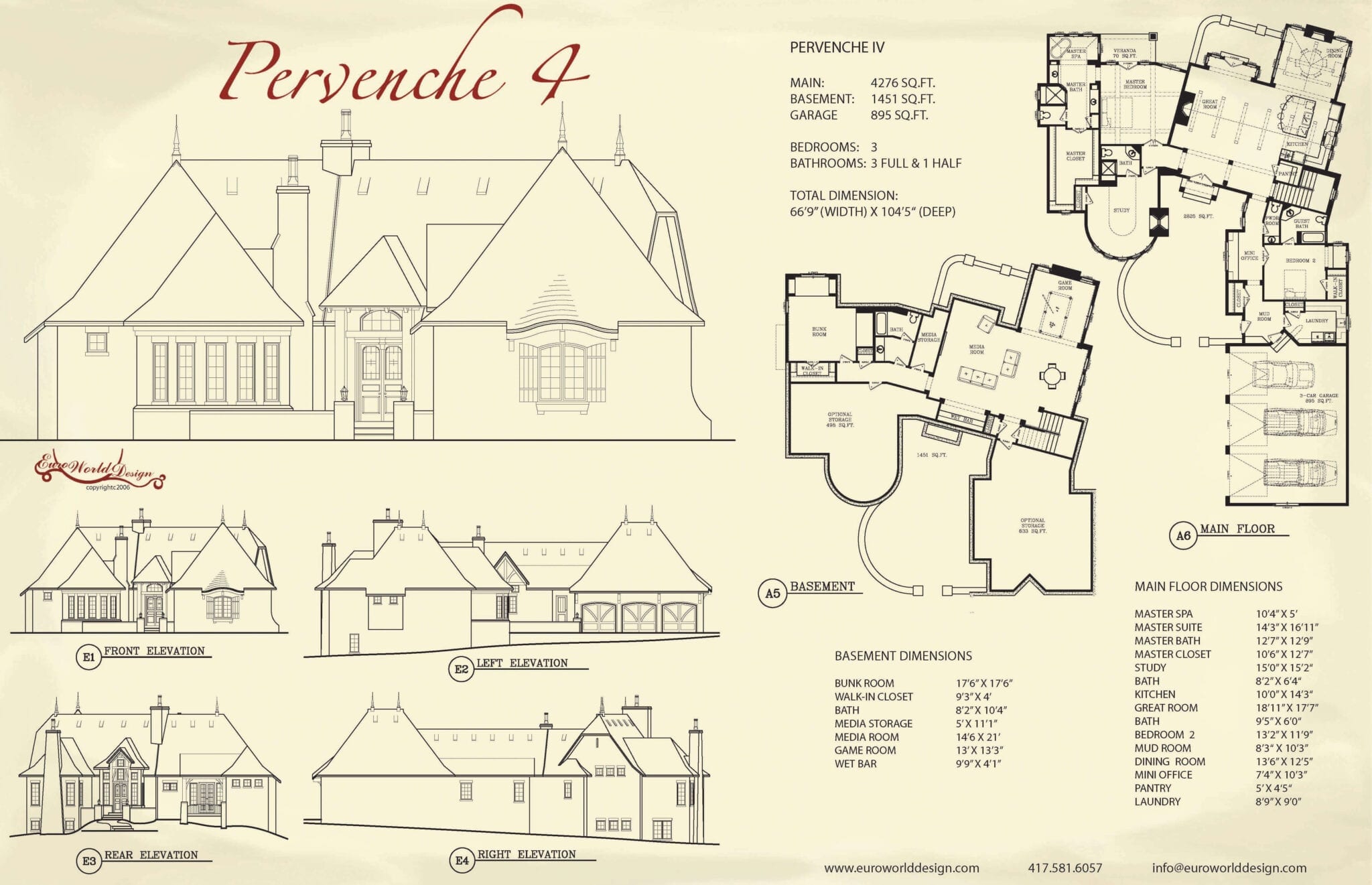
Browse through the plan collections by clicking on the categories at left or fill in the information below to refine your search using specific criteria.
Create your very own catalog of house plans. After doing a plan search, click on the plan #, picture or plan name to bring you to the plan details page of that particular plan. Once there, click on the ‘Add to My Personal Favorites’ button. This will allow you to save your favorites for viewing any time any where.
To eliminate a plan from your personal favorites: Just open the plan you want to eliminate in your favorites and scroll down and touch the “Remove from Favorites” button. Through process of elimination you will be able to find that plan that is perfect for your needs.
There are times when our clients like what they see in one plan and want to marry it to parts of another plan. We can make the revisions for you and personalize it to your liking.
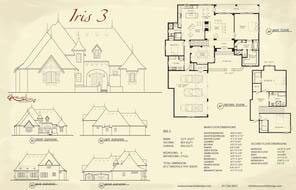
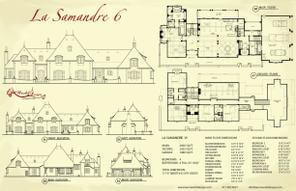
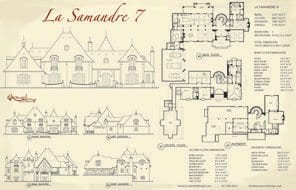
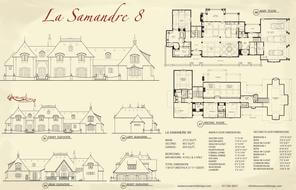
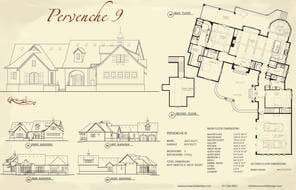
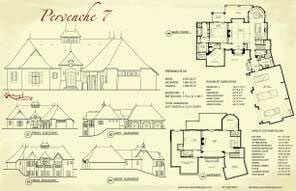
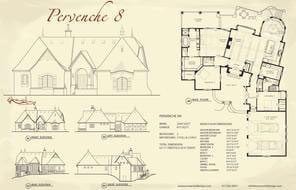
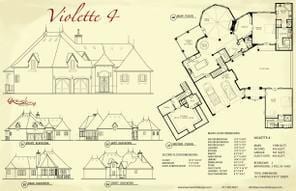
Click on a thumbnail to view the entire series